Mobile-First Websites for Tradies: Why It Matters in 2026
More than half your potential customers are finding you on their phone. If your site doesn't work on mobile, you're losing jobs to competitors who figured this out years ago. Here's everything you need to know.
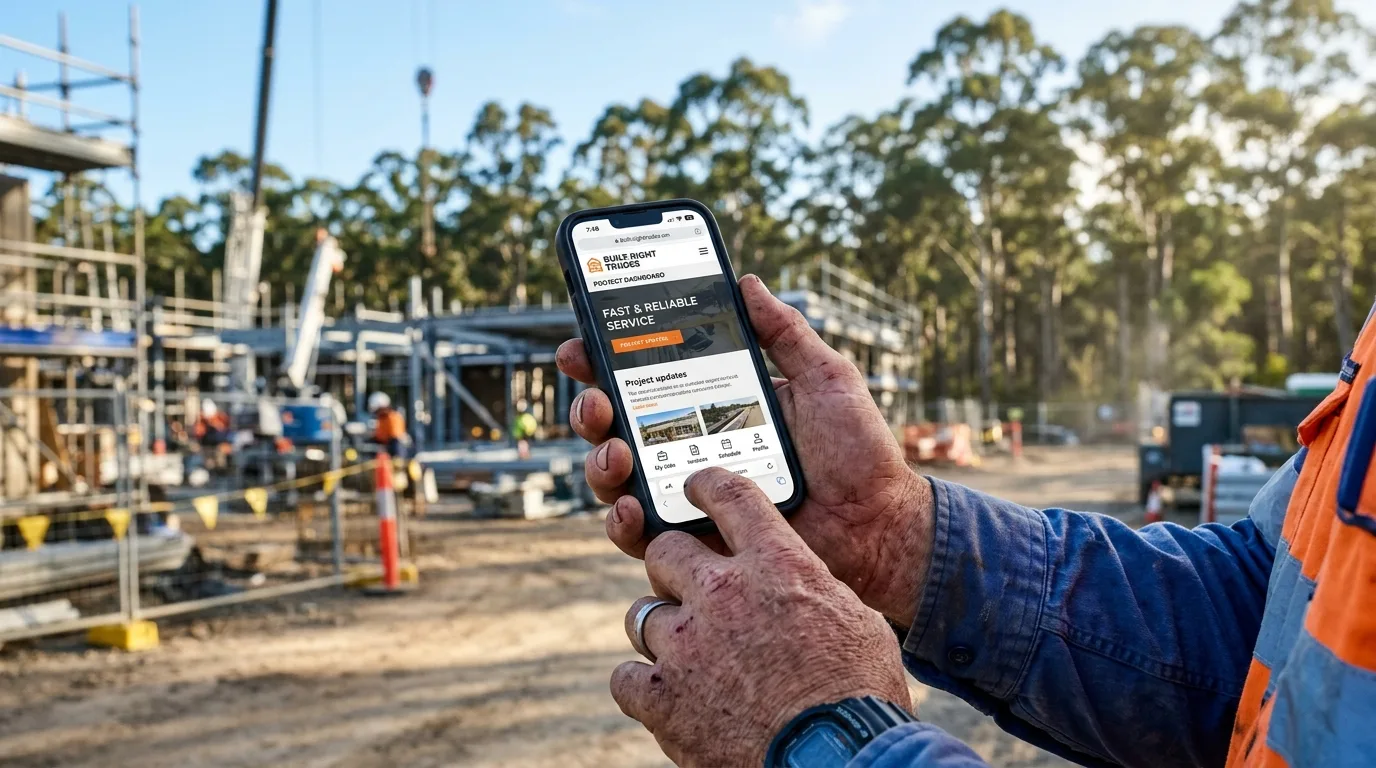
Think about the last time you needed a plumber or electrician in a hurry. You probably grabbed your phone, typed something into Google, and called the first business that looked professional and easy to contact. Your customers are doing exactly the same thing — and they're doing it on mobile.
The problem is, most tradie websites were built for desktop. They load slowly on phones, the text is tiny, the buttons are impossible to tap, and the menu is a nightmare. Visitors leave in seconds. And those visitors go to a competitor.
A mobile-first website fixes all of this. It's not just about making your site "fit" a smaller screen — it's about designing the entire experience around how your customers actually use the web. In 2026, it's the baseline. Here's why it matters and how to get it right.
The Mobile Reality for Trade Businesses
The numbers don't lie. Mobile traffic has been growing for years, but 2026 is the year you simply cannot afford to ignore it. Look at these three stats every tradie business owner needs to know:
That last stat is critical. Google's mobile-first indexing means it crawls and ranks the mobile version of your site — not the desktop version. If your mobile site is slow, broken, or missing content, your rankings suffer regardless of how good your desktop site looks.
For trade businesses specifically, this hits hard. Someone's pipe has burst. Their air con is dead in 35-degree heat. They need a sparky before the weekend. They're not at a computer — they're on their phone, they're stressed, and they need someone right now. A site that doesn't work on mobile loses that job instantly.
Trade businesses that switch to mobile-first websites typically see a 20–40% increase in phone call conversions from organic traffic. The biggest driver? Simply making the phone number visible and tappable above the fold.
What "Mobile-First" Actually Means
There's a common misconception worth clearing up. Many tradies think their site is "mobile friendly" because it has a hamburger menu and the text doesn't overflow the screen. That's mobile-responsive — and it's the bare minimum.
Mobile-first is a fundamentally different design philosophy. Instead of building a desktop site and shrinking it down for mobile, you start with the mobile experience and scale up. The implications are significant:
- Content priority: What does a mobile visitor need in the first 5 seconds? Your phone number, what you do, where you work, and proof you're trustworthy. Everything else is secondary.
- Performance first: Mobile connections are slower than fibre. A mobile-first site is engineered to be lightweight — optimised images, minimal render-blocking scripts, compressed assets.
- Touch-friendly design: Buttons need to be at least 44×44 pixels to be reliably tappable with a thumb. Navigation needs to be reachable in the bottom third of the screen. Forms need to trigger the right keyboard type.
- Readable without zooming: Body text at 16px minimum. No horizontal scrolling. Content that reads cleanly on a 375px wide screen without any pinching or zooming.
Check out our guide to the features that make tradie websites actually convert for more detail on what separates a high-performing mobile site from an average one.
The single highest-impact change on any tradie mobile site is a sticky click-to-call button fixed to the bottom of the screen. It's always visible, always one tap away, and removes every possible friction point between a visitor and a phone call.
Bad Mobile vs Good Mobile: See the Difference
A picture is worth a thousand words. Here's what the difference looks like in practice — the same tradie business, two very different mobile experiences:
The difference comes down to a few fundamentals: load speed, visual hierarchy, and friction. The good site removes every possible obstacle between a visitor and picking up the phone. The bad site makes them work for it — and they won't.
Pull up your own website on your phone right now. How long did it take to load? Can you tap the phone number directly? Is the menu easy to use with one thumb? If you hesitated on any of those, your site is costing you jobs. See how to diagnose why your tradie website isn't generating leads.
How Google Scores Your Mobile Site
Google makes their grading system completely transparent via PageSpeed Insights (pagespeed.web.dev). It analyses your site and scores it 0–100 on four dimensions: Performance, Accessibility, Best Practices, and SEO.
The Performance score is what matters most for user experience and ad costs. It's built on Google's Core Web Vitals — three real-world metrics that measure how quickly and smoothly your page loads for actual users.
Under 2.5s = good
Under 100ms = good
Under 0.1 = good
These three Core Web Vitals are now official Google ranking factors. A slow site with poor scores doesn't just frustrate visitors — it actively ranks lower in search results. That means fewer impressions, fewer clicks, fewer calls.
If you're running Google Ads, your Quality Score is also partly determined by landing page experience — which includes mobile load speed. A faster mobile site means a higher Quality Score, which means you pay less per click for the same ad placement. Mobile performance literally saves you money on ads.
Run your site through PageSpeed Insights right now at pagespeed.web.dev. If your mobile score is below 50, that's a serious problem worth fixing urgently. Between 50–80 is average but improvable. Above 80 is where you want to be — and where leads start flowing consistently.
4 Steps to Mobile-Optimise Your Tradie Website
You don't need to rebuild your entire website to improve your mobile performance. These four steps cover the highest-impact changes, in order of priority:
These four steps address the most common failure points we see when auditing tradie websites. If you want a full analysis of what your specific site needs, book a free website audit with Sora — we'll run through your PageSpeed scores, mobile UX, and conversion setup in one session.
Mobile-Readiness Checklist
Use this checklist to audit your current website. If you can't tick every box, you've found an opportunity to get more calls from the same traffic you're already getting.
If you ticked fewer than 7 of these, your website is actively turning away potential customers right now. The good news is that most of these issues are fixable in a few days with the right developer.
Not sure where to start? Read our guide on why tradie websites don't get leads for a broader diagnostic — or get in touch with Sora for a hands-on audit of your specific situation.