Think about the last time you hired a tradie you'd never used before. What did you do first? You Googled them. You looked at their reviews. If they had a handful of five-star ratings and a few genuine comments from happy customers, you probably felt a lot better about picking up the phone.
Now flip that around. Your potential customers are doing the exact same thing to your business right now. If your Google Business Profile is sitting at three reviews or worse, a flat 4.2 average, they're moving on to your competitor who has 60 glowing five-star reviews.
Google reviews aren't just social proof anymore — they're a direct ranking signal that determines whether you show up in the Local Pack (that coveted top-three map block), how many people click through to your website, and ultimately, how many jobs you win. In this guide, we'll walk through exactly how to get more Google reviews for your trade business — including a simple five-step system you can start using today.
Why Google Reviews Make or Break Trade Businesses
Word of mouth has always been the lifeblood of trade businesses. The difference is that word of mouth is now public, searchable, and permanent. A glowing review from a happy customer doesn't just reach their neighbours — it reaches every person in your area who searches for your service.
The numbers back this up. Before hiring a local tradie, the overwhelming majority of homeowners check Google reviews. Businesses with a steady flow of genuine five-star reviews don't just look more trustworthy — they actively rank higher in local search, get more clicks, and convert more enquiries into booked jobs.
Social proof works on a psychological level too. When someone sees that 73 other homeowners trusted you enough to leave a review — and most of them are happy — the decision to call becomes easy. Doubt evaporates. Objections lower. They call you instead of your competitor.
The gap between a business with 8 reviews and a business with 80 reviews isn't just cosmetic — it's jobs, revenue, and growth. If you're not actively working on your review count, you're leaving money on the table every single week.
Set a review target: Aim for at least 2–3 new reviews per month as a baseline. Once you're in a rhythm, push for one per week. Consistency beats bursts — Google notices steady growth over time.
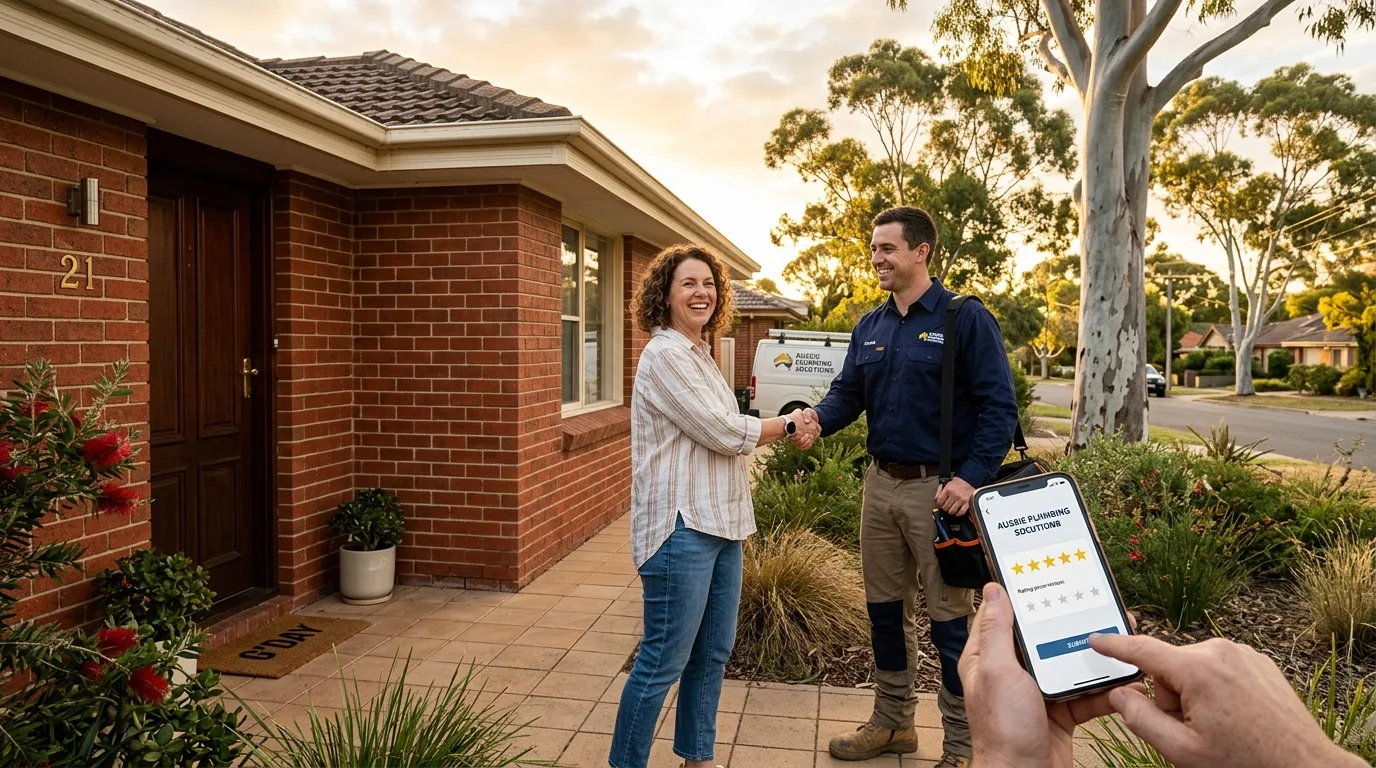
How Reviews Affect Your Google Rankings
Google's Local Pack — the three businesses that appear at the top of search results with a map — is the most valuable piece of digital real estate for any trade business. Getting into that top three can double or triple your inbound enquiries overnight.
Reviews are one of the most significant factors Google uses to determine who appears in the Local Pack. Specifically, Google looks at:
- Review quantity — how many reviews you have compared to competitors
- Review recency — a steady stream of recent reviews signals you're active and trusted
- Review velocity — the rate at which you're accumulating new reviews
- Star rating — anything below 4.5 starts to hurt you in competitive markets
- Review content — keywords in reviews (e.g. "emergency plumber", "hot water system") can help your local relevance
Example Local Pack — notice how review count and rating directly correlate with position
Beyond rankings, reviews affect your click-through rate from search results. When your listing shows five gold stars and a high review count, people are far more likely to click on your result over a competitor with fewer or no reviews. More clicks = more enquiries = more jobs.
Keywords that customers use in their reviews — such as "hot water system replacement", "blocked drain", or "emergency call-out" — can improve your relevance for those search terms. You can't control what customers write, but you can gently prompt them: "Feel free to mention the work we did if you'd like."
The 5-Step Review Generation System
Most tradies don't have a review problem — they have a system problem. They rely on hoping a happy customer will think to leave a review on their own. Spoiler: they rarely do, not because they're unhappy, but because life gets in the way.
The solution is a repeatable, automated system that makes asking for reviews a natural part of your job completion process. Here's the exact five-step flow we build for trade clients at Sora:
Step 1 — Complete the Job to a High Standard
This seems obvious, but it's worth stating: no system in the world will save you if the work is poor. Reviews are a reflection of the experience you deliver. Make sure every job ends with a clean worksite, a clear invoice, and a quick verbal check-in with the customer — "Is everything looking good for you?"
Step 2 — Send the Review Request Within 24 Hours
The sweet spot for asking is within 4–24 hours of job completion. The experience is fresh, the customer is happy, and they're far more likely to act. After 48 hours, response rates drop off a cliff. This is where automation becomes your best friend.
Step 3 — Make It Effortless for the Customer
Every extra step you add between "I'd like to leave a review" and "review submitted" is a chance for the customer to give up. Your review request should include a direct link to your Google review page — no searching required. The less friction, the more reviews.
Step 4 — Follow Up Once (and Only Once)
If the customer hasn't clicked the link within 48–72 hours, a single follow-up message is reasonable. Keep it brief, friendly, and zero pressure. Something like: "Hey [name], just following up on the message we sent — your feedback really helps us. Here's the link if you have two minutes 😊"
Step 5 — Respond to Every Review
When you respond to reviews — positive and negative — it signals to Google that you're an active, engaged business. Google rewards businesses that respond to reviews with better local visibility. It also shows potential customers that you care, which builds trust before they've even called you.
Automating Your Review Requests
If you're relying on manually remembering to ask every customer for a review at the right time, it's not going to happen consistently. You're too busy running jobs, chasing invoices, and managing your crew. The only way to build a review system that actually works long-term is to automate it.
Here's how Sora's review automation works for trade clients using our CRM setup:
→ Leave a Review
Sora's automated SMS review flow — triggered the moment a job is marked complete
The moment a job is marked as complete in the CRM, an automated SMS fires to the customer — personalised with their name and a direct link to your Google review page. No manual work. No forgetting. No awkward "can you leave us a review?" conversations.
Clients using Sora's review automation typically see their review count triple within the first 90 days. That's not because we're doing anything shady — it's simply because we're asking every single happy customer at the right moment, consistently, without fail.
The SMS workflow includes:
- Personalised message with the customer's name
- Direct Google review link (no searching required)
- One follow-up if no click within 48 hours
- Automatic opt-out handling to stay compliant
- Optional thank-you SMS after a review is left
Never send review requests via email only. SMS outperforms email for review requests by 3–4x in open rate and click rate for trade businesses. Most of your customers are tradespeople, homeowners, or office workers who live on their phones — SMS is where you'll get the response.
How to Ask for Reviews (Without Being Awkward)
Not everyone has a CRM set up on day one, and that's fine. Even asking manually — done right — can generate a solid stream of reviews. The key is removing the awkwardness by making your ask feel natural, not transactional.
The Verbal Ask (In-Person)
At the end of a job, after you've done your final walkthrough with the customer and they're happy, try this:
"Really glad we could get that sorted for you. We're a small local business and Google reviews make a huge difference for us — if you've got two minutes, we'd love it if you could share your experience online. I'll send you a link through now."
Then pull out your phone and send the link on the spot, while you're still standing there. The biggest driver of follow-through is immediacy — if they see you actively send it, they're far more likely to actually do it.
The SMS Template
If you're sending manually, here's a template that works well:
Hi [Name], it was great working with you today! If you have 2 minutes, a Google review would mean the world to us 🙏 Here's the link: [REVIEW LINK]. Thanks, [Your Name] — [Business Name]
Timing Matters
Send your review request between 6pm and 8pm on the same day or the following morning. Avoid Mondays (high delete rates) and late Friday afternoons. Tuesday and Wednesday evenings consistently get the highest open and click rates for trade businesses.
Responding to Reviews Like a Pro
Getting the review is only half the job. How you respond tells the world — and Google — a lot about the kind of business you run. Every response is a piece of marketing content that potential customers will read before they decide whether to call you.
How to Respond to Positive Reviews
Don't just write "Thanks for your review!" — it's generic and misses an opportunity. A great response:
- Uses the customer's first name
- References the specific job or service
- Includes a relevant keyword naturally (e.g. "hot water system", "emergency call-out")
- Invites future contact without being pushy
Example: "Thanks so much, Sarah! Really glad we could sort out your hot water system so quickly. We know how disruptive that can be, especially with young kids in the house. Looking forward to helping you again in future — don't hesitate to give us a call!"
Aim to respond to every new review within 48 hours. Set a phone notification for new reviews in your Google Business Profile app so you never miss one. A quick, personalised response takes two minutes and sends a powerful signal — to Google and to every potential customer reading your profile.
Handling Negative Reviews
A one-star review can make your stomach drop. But handled correctly, a negative review is actually an opportunity — not a disaster. Potential customers don't expect perfection. They expect accountability. How you respond to a complaint tells them far more about your business than the complaint itself.
The Golden Rules of Responding to Negative Reviews
- Respond within 24 hours — silence looks like guilt
- Stay professional and calm — never argue, never get defensive
- Acknowledge the concern — even if you disagree with the details
- Take it offline — "I'd love to discuss this directly — please call us on [number]"
- Never mention names or sensitive details in your public response
Example response: "Hi [Name], thank you for taking the time to share your feedback — we take all concerns seriously. I'm sorry to hear your experience didn't meet the standard we hold ourselves to. Please give us a call on 0400 000 000 so we can make this right for you."
Dealing With Fake or Malicious Reviews
Fake reviews are a real problem in the trades industry — sometimes left by competitors, sometimes by people who've never been a customer. If you receive a review you believe is fake:
- Flag it for removal via your Google Business Profile dashboard (select "Flag as inappropriate")
- Document your evidence that the person was never a customer
- Respond professionally while you wait for the removal decision
- Consider reaching out to Google Support directly if the review violates their policies
The best protection against a fake negative review is a large volume of genuine positive reviews. One fake one-star among 80 five-star reviews barely moves your average. Volume is your armour.
Frequently Asked Questions
Related reading: How to Optimise Your Google Business Profile · Local SEO for Trade Businesses · Why Google Reviews Matter for Tradies